Free Xbox card: €15 of Microsoft credit without paying
The €15 Xbox card is the cheapest gaming card in the Microtaches shop. You get it with Ops earned from micro-tasks. Here is what it really pays for, how to redeem it and why it is not a Game Pass code.
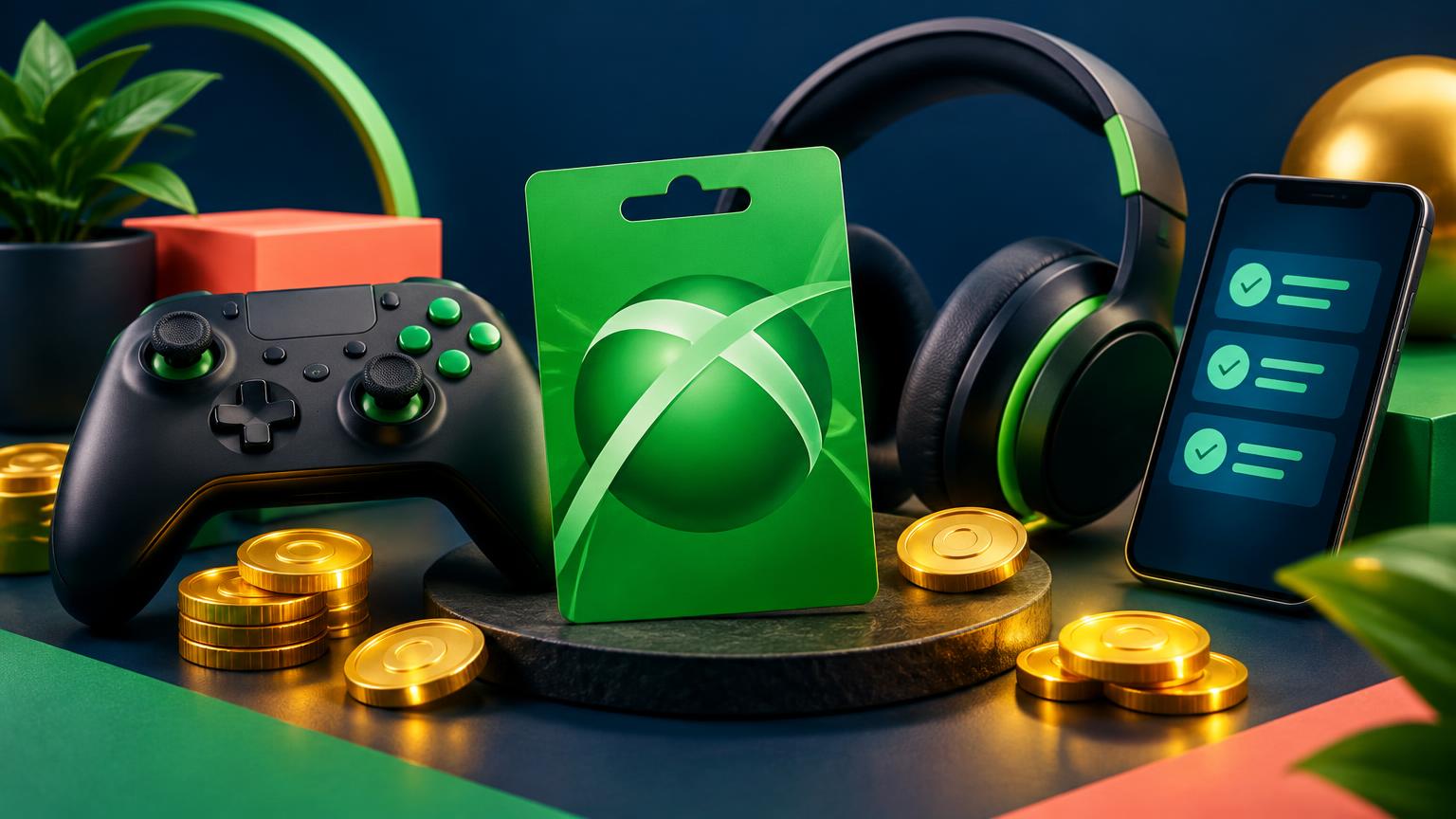
What can you buy with a Xbox card?
The Xbox card adds a balance to your Microsoft account. It pays for Xbox and PC games, add-ons, apps and eligible Microsoft Store items, with the same account on console, PC or mobile.
How many Ops for the Xbox €15 card?
In the shop, the Xbox €15 card is listed at 2,150 Ops. Ops are worth more in the shop than when withdrawn (reference rates: €0.0082 per Ops in the shop, €0.0042 when withdrawn; each card's price may differ slightly from the reference rate). Withdrawing those 2,150 Ops as cash would give you about €9.03, while the card gives you €15.00 of purchases.
| € | |
|---|---|
| Xbox €15 card | €15.00 |
| Cash withdrawal | €9.03 |
| Ops | |
|---|---|
| Xbox €15 | 2,150 Ops |
| PlayStation €25 | 3,450 Ops |
| Steam €20 | 2,720 Ops |
| Roblox €10 | 1,480 Ops |
| Google Play €25 | 3,430 Ops |
How to get it with Microtaches, step by step
- Create your free account on Microtaches.com. The team approves every signup before tasks open.
- Complete your profile: it earns a 10 Ops bonus and lets you receive the tasks that match you.
- Complete micro-tasks by following the instructions shown: every validated task credits your Ops (60 minutes max per task, 3 tasks in progress at most).
- Verify your identity: the shop opens from a balance of 1,000 Ops and every order requires a verified identity. Verification takes up to 7 business days.
- Order the Xbox €15 card in the shop as soon as your balance reaches 2,150 Ops.
- Receive your code by email: shop orders are processed within 2 weeks at most.
How to redeem your Xbox code
- Open redeem.microsoft.com or the Microsoft Store on your console.
- Sign in with the Microsoft account to top up.
- Enter the 25 characters of the code received by email.
- Check the amount shown, then confirm.
Official procedure and terms: Microsoft gift card terms.
Which countries does the card work in?
The card and your Microsoft account must match a supported market and currency. A euro code is not a worldwide guarantee: if your account is tied to a country outside the euro area, check compatibility in Microsoft's terms.
Validity, limits and pitfalls
- Validity : Microsoft states that purchased gift cards and their balance do not expire (different rules apply to some promotional credits).
- Not a Game Pass code: it is a money balance; it may pay for a subscription, depending on your country's rules.
- Right account: check the signed-in email before confirming; the balance cannot be transferred.
- Delay: allow up to 2 weeks between ordering and receiving the code. Order early if the card is a gift.
Frequently asked questions
- Does the Xbox card work on the PC Microsoft Store?
- Yes, the balance is used for eligible purchases with the same Microsoft account, on console and PC.
- Why does the Xbox card cost fewer Ops than others?
- It is worth €15 instead of €25: it is listed at 2,150 Ops, the quickest gaming card to reach.
- Is the Xbox card really free?
- You spend no money: you redeem Ops earned by completing paid micro-tasks. Your time pays, not your wallet. Earnings are not guaranteed: they depend on available and validated tasks.
- How long until the code arrives?
- Shop orders are processed within 2 weeks at most. Allow for this delay if the card is a gift.
- Do I need to verify my identity?
- Yes. The shop opens from a balance of 1,000 Ops and every order requires a verified identity (KYC), processed within 7 business days at most.
- Can I receive money instead of a card?
- Yes. Bank transfer is available from the usual minimum; MVola, Orange Money, Wave, MTN MoMo, PayPal, Skrill and Neteller are available from 25,000 Ops; Revolut and Crypto are coming soon.
Read next: every gift card in the shop, the PlayStation €25 card, the Steam €20 card, and the Ops → euros calculator.